Symbols & Pictograms
Our symbols and pictograms are an extension of our logo symbol.
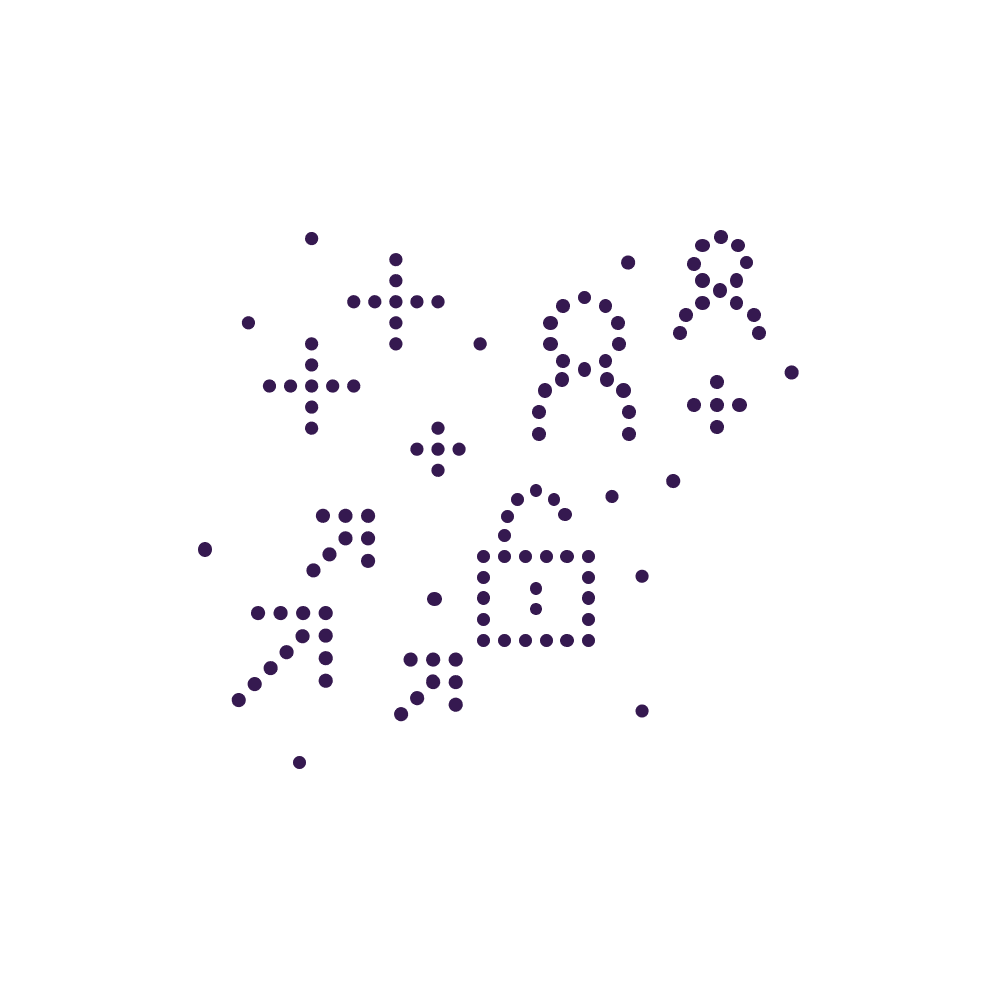
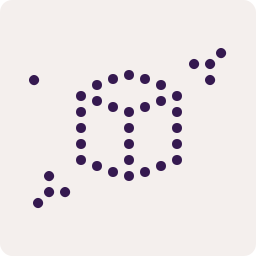
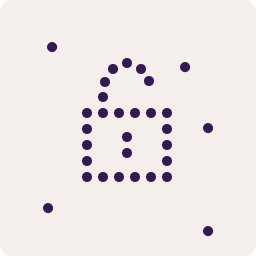
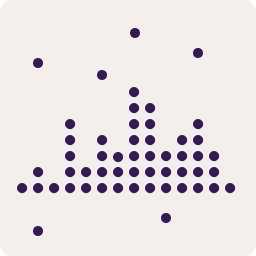
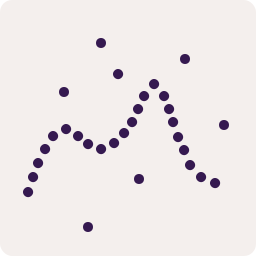
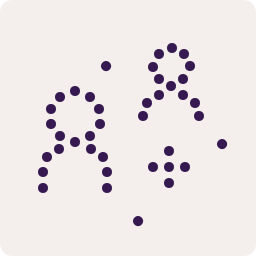
To enrichen our visual communication, we have created a set of pictograms that can help describe us and our services. They are based on the same concept at the logo symbol, but they are only drawn in 2D — and have a less rigid approach.
Ready-to-use Pictograms
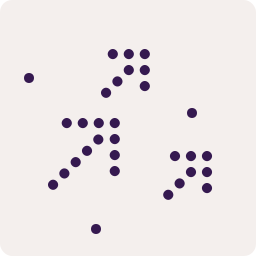
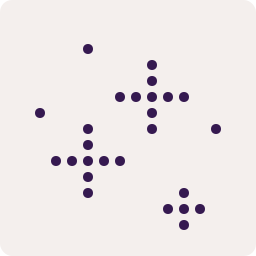
The existing pictograms are meant as an inspiration for further creation. They are all drawn on a 16 col by 16 row grid with 12px gutters at 256x256pixels
Do's and Don'ts
- Be figurative when possible
- Draw on a 256x256 canvas
- When drawing straight lines, keep a consistent distance between dots
- If you need curves, refer to the examples above and try to emulate a visual similarity in the gaps
- Don't overcomplicate a single pictogram
- Never scale pictograms differently next to each other. If you're making a more complex composition, refer to the scaling principle in the Attack Simulation example